



Quick Summary
Self-service analytics allows business users to access, explore, and act on data without relying on analysts. With AI-powered agents and Tableau’s real-time dashboards, organizations can move beyond static reports to systems that continuously update, explain trends, and surface insights automatically. This approach reduces delays, improves decision-making speed, and ensures that teams work with accurate, consistent data.
Manually updated dashboards are gradually becoming obsolete. Self-service analytics brought by AI agents is changing organizations’ interaction with data. The onset of Tableau's dashboards, powered by AI and featuring a robust semantic layer, are the origin of self-service analytics. The dashboards automatically provide insights, clarify trends and updates as required. As a result, they count on data and spend less time making guesses.
AI-powered agents, a robust semantic layer, and real-time data platforms like Tableau, self-service analytics has evolved from static dashboards into smart, always-on systems that update themselves, explain trends, and proactively share insights.
The advantages of self-service analytics are beginning to surface as teams from sales to operations leverage their data. The days when we could wait for the analyst to run the reports and where to get the data manually refreshed are long gone. Making decisions with AI-powered agents and Tableau graphical dashboards are easier, faster, and smarter.
What Does Self-Service Analytics Mean and Why It Matters Today?
Self-service analytics enables business users, sales leaders, marketers and operators to make informed decisions using data.
- Users may explore the data,
- Ask a natural language question, and
- Build or consume dashboards without technical knowledge.
The significance of this feature is because users can independently analyze the data at their convenience wherever and whenever without waiting for an analyst. And the availability of insights and answers at speed enables teams to make confident decisions more quickly.
However, traditional business intelligence (BI) tools promised this independence of self-service, but reality proved otherwise. Many organizations still face challenges such as:
- Dashboards that need expert setup.
- Manual refreshing cycles causing delays.
- Metrics having confusing definitions.
- It is risky and time-taking to depend on analysts.
With automated updates and AI-enabled self-service analytics, these concerns are getting resolved faster and users can now accurately work with their own data for exploration and analysis.
Self-Service Reporting vs Analytics: What’s the Difference?
Self-service reporting and self-service analytics are two very different things, and recognizing the distinction is an important data-use change.
| Self-Service Reporting | Self-Service Analytics |
|---|---|
| Focuses on past or historical data. | Reports filtered, sliced, and exported by users. |
| Provides understanding of Why it/anything happened. | Automatically highlights anomalies, trends, and patterns. |
| Reactive and time-consuming and also has a high reliance on manual input and updating. | Real-time analyses become time-consuming due to absence of AI integration |
| Has the ability to suggest and provide insights (that is proactive and predictive). | Real-time analyses driven by AI agents that interpret and react to changes in underlying data on a continual basis. |
With self-service analytics, companies can transition away from traditional reporting which analyses data reactively with the power of hindsight to one which is proactive and based on foresight.
AI agents make data analysis faster, and the user is becoming a goal-oriented decision-maker.
According to McKinsey, companies that use advanced analytics are 23 times more likely to acquire customers and 6 times more likely to retain them, highlighting the business impact of moving beyond static reporting.
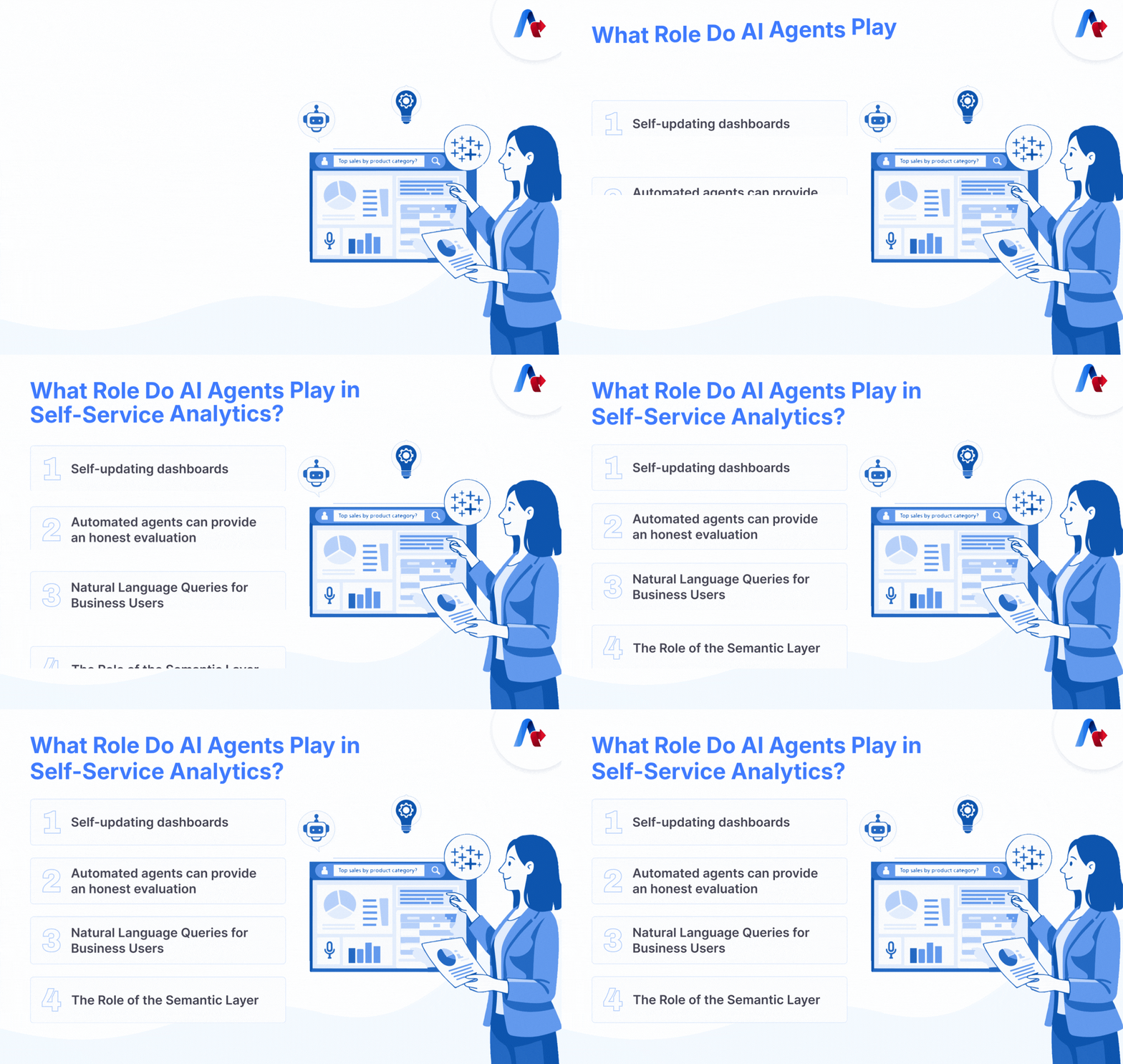
What Role Do AI Agents Play in Self-Service Analytics?
AI agents act as digital analysts, continuously working in the background to monitor data, detect changes, and generate insights. Here are four key areas where these agents bring maximum impact and value:
1. Self-updating dashboards
Tableau dashboards that leverage AI can now connect to real-time data.
This indicates that-
- The metrics will update as soon as the input changes.
- Alerts are sent whenever thresholds are breached
- Users see the most recently verified figures
- You don't have to wait for the analysts, just refresh the dashboards.
- Users of the dashboards will be able to act in real-time.
2. Automated agents can provide an honest evaluation
Self-reporting AI agents act like digital analysts. They:
- Continuously monitor the tracking devices, such as sales performance, customer churn, website traffic, and more.
- Detect any significant anomalies and sudden changes.
- Get explanations of all the changes seen in data written in plain language.
- Delve deeper into serious issues and give suggestions, when users ask further questions and request the next step
Essentially, organizations get more value from their data as it can come alive without humans and data scientists with the help of self-reporting AI agents.
3. Natural Language Queries for Business Users
- Generating human-like natural language answers to analytics queries is the natural language processing (NLP) part of self-service analytics. This can be achieved by users.
- Questions such as, "What caused poor sales last month? ”.
- The system Understands and visualizes returns with contextual insights and visuals instantly.
- No requirement of advanced filtering or knowledge of SQL and training
Natural language processing technology makes customer query easier, thus allowing businesses an easy entry. Boosting analytics adoption improves decision-making ability at the individual, group, and organizational levels.
4. The Role of the Semantic Layer
A semantic layer in systems ensure that:
- Metrics are defined once and reused everywhere
- “Revenue,” “churn,” or “conversion” always mean the same thing
- AI agents and dashboards operate on governed, trusted data
This is critical for scaling self-service analytics without creating data chaos.
What Is the Role of Tableau in Self-Service Assessment?
Using Tableau dashboards, you can assist people view and comprehend their own data to make better business decisions.
- Real-time dashboards - Stay updated using real-time data sources.
- AI-assisted insights - Use the analytical and relevant analysis process to make timely sound recommendations.
- Governed semantic models – Use for consistency and trust
- User-friendly experiences - Design that is easy to understand and usable.
Dashboards, including AI agents, enhance the reporting.
What Are the Benefits of Self-Service Analytics?
Self-service analytics have more benefits than just reporting and analysis. These benefits include-
1. Quicker Choices
AI agents help make quicker decisions and continuously use updated information and data sources. If the circumstances change business users can adapt and make faster decisions.
2. Not Excessively Reliant on IT and Analysts
AI-powered self-service analytics lessen the dependence on IT or expert processes. When trends and insights are accessible to the business community, productivity and availability improves.
3. Consistent, Trusted Metrics Across Teams
Your organization will always have one source for the truth with a managed semantic layer.
4. Supplying Insights in Advance Rather Than as a Report
AI agents don’t wait for questions, not with each time. The user analyzes data for anomalies and gets business insights immediately from it. They can take immediate measures to resolve difficulties that arise from it.
5. Higher Analytics Adoption Across the Business
A growing number of organizations utilize analytics on an ever-increasing basis this is definitely a business win for them.
Where Is Self-Service Analytics Being Used in Real Scenarios?
Self-service analytics is being applied across multiple business functions.
- Sales teams - Sales teams must identify pipeline risk as early as possible and take robust, proactive actions to keep the deal in the won column.
- Marketing teams - Refining the marketing of your organizations can result in reduced costs and more robust campaigns.
- Operations teams - Identifying operational bottlenecks automatically.
- Executives - Receive AI-generated insights instead of static reports. Business firms use Tableau and AI agents in real-time for demand forecasts to achieve high efficiency. Data visualization uses data to help businesses make intelligent and informed decisions.
What’s Next for AI-Driven Analytics?
Self-service analytics is no longer about building dashboards. It’s about creating intelligent systems that:
- Monitor data continuously
- Surface insights proactively
- Explain outcomes clearly
- Empower every user to act with confidence
With AI agents, a strong semantic layer, and platforms like Tableau, organizations are finally realizing the original promise of BI- fast, accurate, and effortless analytics for everyone.
Are Your Dashboards Keeping Up with Real-Time Decision Needs?
Organizations can no longer rely on static dashboards and delayed reports. Decision-making today requires systems that provide real-time, accurate, and actionable insights.
Tableau, combined with AI agents and a strong semantic layer, enables this shift by turning dashboards into intelligent systems.
The next step is not just adopting new tools but rethinking how data is used across the organization.
Start with one dashboard. Make it real-time.
Let insights come to youFAQs
Yes, Tableau can create real-time dashboards by connecting to live or near-real-time data sources, ensuring that metrics are always up-to-date.
Tableau is one of the best tools for real-time data tracking, offering live data connections and real-time dashboard updates.
It allows business users to access and analyze data independently without relying on technical teams.
They automate data monitoring, detect trends, and provide explanations and recommendations.
It ensures consistent definitions of metrics across systems and users.
Yes, its visual interface and natural language capabilities make it accessible to business users.
A real-time analytics dashboard provides continuously updated insights, displaying the most current data without manual intervention.
- Connect Tableau to live data sources.
- Design dashboards that display key metrics.
- Set up real-time updates and alerts.
- Publish and share the dashboard with stakeholders.