



Quick Summary
In 2026, the choice between Tableau Cloud and Tableau Server comes down to control versus simplicity. Tableau Cloud, a fully managed SaaS platform, is becoming the default for most enterprises due to faster deployment, lower IT overhead, automatic updates, and better support for AI-driven analytics, while Tableau Server remains relevant for organizations that require strict data control, customization, and regulatory compliance. Industry trends show a strong shift toward cloud, with over 70% of new analytics deployments being SaaS-based and total cost of ownership often 20–50% lower compared to self-hosted environments. For most organizations, Tableau Cloud offers greater agility and scalability, whereas Tableau Server is best suited for highly regulated or infrastructure-heavy environments.
The Tableau Cloud vs Tableau Server decision is no longer just a deployment choice. It reflects an organization’s broader analytics strategy. Enterprises are under pressure to modernize BI infrastructure, reduce operational overhead, support distributed teams, and enable AI-driven insights. At the same time, leadership teams are evaluating how analytics platforms align with long-term goals such as scalability, governance, and cost efficiency. This makes the decision more strategic than technical.
So, the real question now is:
Should you continue managing infrastructure with Tableau Server, or move to a fully managed SaaS environment with Tableau Cloud?
Both platforms offer the same powerful Tableau analytics capabilities, including dashboards, governance, automation, and collaboration. However, they have a considerable difference in infrastructure ownership, scalability, cost model, and operational responsibility. As a growing number of organizations standardize SaaS, Tableau Cloud is rapidly becoming the default, and Tableau Server continues to be essential to the strictly regulated and control-intensive environments.
This blog breaks down Tableau Cloud vs Tableau Server in plain language, using 2026 pricing realities, migration best practices, and real-world patterns seen across modern analytics programs.
Want a quick recommendation for your organization between these two?
Let’s get startedWhat is Tableau Cloud vs Tableau Server?
Tableau Cloud vs Tableau Server compares two deployment options for the same Tableau analytics platform. Former is a fully hosted SaaS service managed by Tableau, while the later one is a self-hosted deployment that customers run on their own infrastructure (on‑premises or in a private/public cloud).
Tableau Cloud is managed entirely by Tableau, while Tableau Server requires organizations to manage infrastructure, upgrades, and maintenance internally. The choice impacts cost, scalability, compliance, and operational responsibility.
According to Gartner, over 70% of new analytics deployments in 2026 are SaaS-first, reflecting a clear shift toward managed platforms.
Here are the core differences between these platforms:
The two options differ most clearly across deployment, control, and operations.
| Area | Tableau Cloud | Tableau Server |
|---|---|---|
| Deployment | Fully hosted SaaS (managed by Tableau) | Self-hosted (on‑prem or customer cloud) |
| Infrastructure | Tableau owns and manages hardware and platform | Customer owns and manages infrastructure |
| Upgrades | Automatic, always on latest version | Planned and executed by customer |
| Maintenance | Minimal; no servers to patch or monitor | IT team required |
| Scalability | Instant | Dependent on hardware capacity and sizing |
| Control | Limited backend access | Full control & customization |
| Release Cycle | Always latest version | Customer-controlled upgrades |
In short, Tableau Cloud reduces operational burden, and Tableau Server increases control.
How Tableau Cloud Works: A Step-by-Step Guide
Tableau Cloud is a multi-tenant SaaS platform hosted and managed by Tableau (Salesforce), designed to deliver analytics without customers running any server infrastructure. It exposes the same core capabilities as Tableau Server like publishing workbooks, managing users, enforcing permissions meanwhile eliminates system setup, patching, and scale-out.
Tableau Cloud is based on a SaaS-first model.
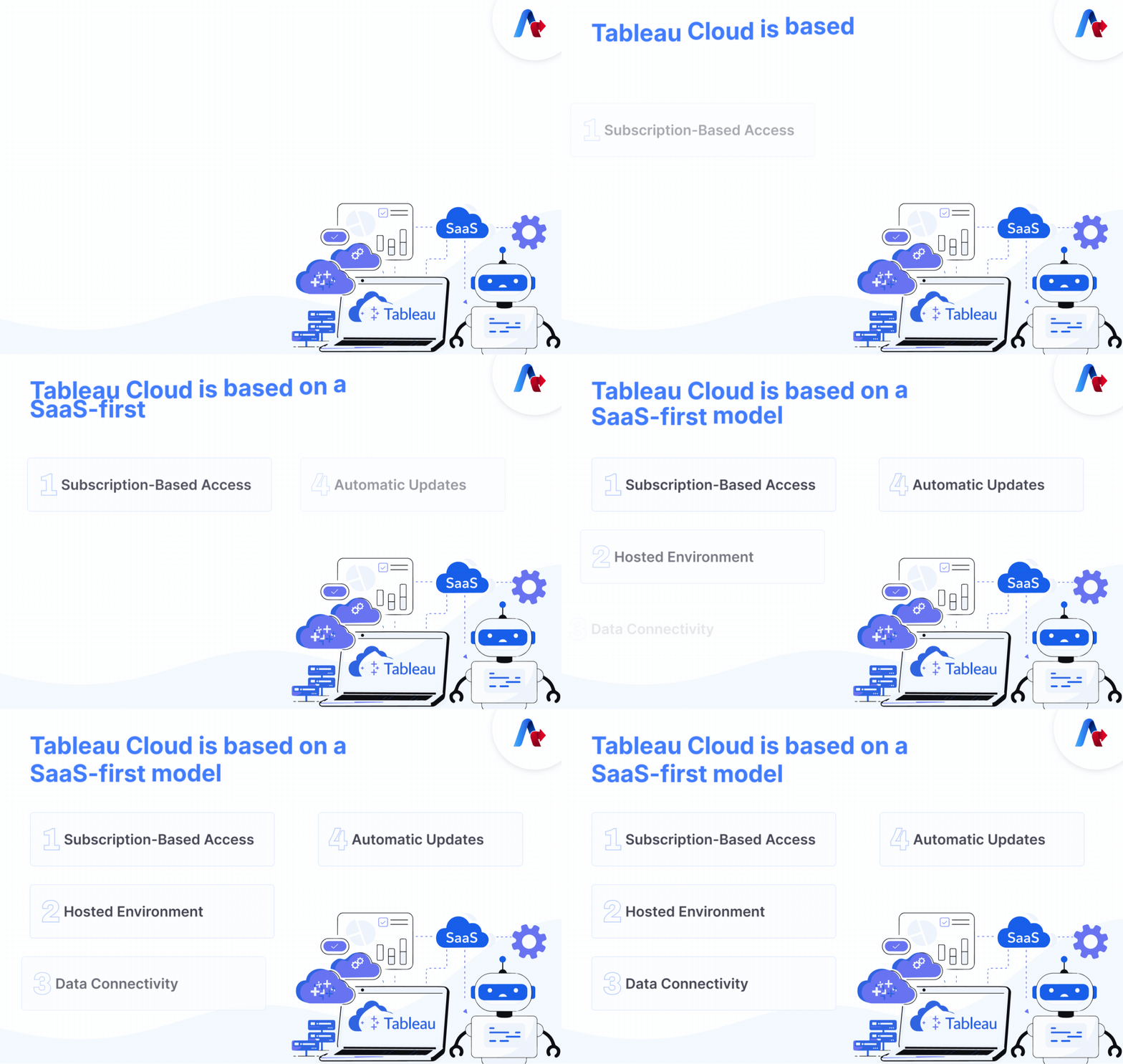
Step 1: Subscription-Based Access
Organizations purchase licenses (Creator, Explorer, Viewer) based on user roles and usage needs.
Step 2: Hosted Environment
Tableau takes care of infrastructure, security patches, performance optimization, and updates.
Step 3: Data Connectivity
Data connects via:
- Direct cloud connectors
- Secure connections
- Tableau Bridge (for on-prem data sources)
Step 4: Automatic Updates
Users always access the latest Tableau features without upgrading manually.
What Are the Benefits of Tableau Cloud?
Organizations adopting Tableau Cloud often prioritize speed, simplicity, and scalability. Key advantages include:
- Zero Infrastructure Management: There are no servers to size, buy, patch or maintain; Tableau manages capacity, resilience, and backups.
- Faster Innovation: Continuously updated on the newest Tableau version, with new Tableau Next, Tableau Pulse, and Tableau+ licensed AI capabilities.
- Lower Operational Cost: Infrastructure and platform management are bundled into subscription; internal IT FTE requirements can drop significantly versus hosting Server.
- Enterprise Security: Enterprise grade security and compliance on-demand, such as encryption, single sign-on and regional hosting.
- Anywhere Access: Optimized for distributed and hybrid workforces with remote access
Tableau Cloud is best for:
- Organizations adopting SaaS-first strategies with limited appetite for managing BI infrastructure.
- Teams wanting rapid deployment, frequent feature updates, and fast scale-out.
- Enterprises prioritizing agility, AI/agentic analytics, and lower day‑2 operations overhead over deep infrastructure control.
Looking to reduce IT overhead quickly?
Tableau Cloud is often the fastest pathHow Tableau Server Works in Practice?
Tableau Server is a self-hosted deployment option that enterprises install on their own infrastructure either on‑premises or in private/public cloud environments such as AWS, Azure, or GCP. It provides the same sharing, collaboration, and governance capabilities as Tableau Cloud, but the customer’s IT team is responsible for capacity, upgrades, high availability, and security hardening.
Tableau Server is a self-managed deployment option.

Step 1: Infrastructure Setup
Hosted either:
- On-premises
- On AWS/Azure/GCP under customer control
Step 2: IT Management
Internal teams manage:
- Hardware provisioning
- Patching
- Performance tuning
- Version upgrades
Step 3: Custom Governance & Security
Organizations define:
- Network isolation
- Data residency rules
- Advanced administrative controls
What Are the Benefits of Tableau Server?
Tableau Server is designed for organizations that require strict control and customization. Key advantages include:
- Full Environment Control: The customer is given control of OS, network, storage, topology, and change windows.
- Strict Data Residency Requirements: Ideal when regulations require data to remain within specific networks or sovereign environments.
- Advanced Administrative Flexibility: Extensive surveillance and governance.
- Custom Performance Tuning: Greater backend customization.
- Deep customization: Ability to fine-tune performance, use core-based licensing for very high-scale deployments, and integrate tightly with internal platforms and security tooling.
Tableau Server is best for:
- Highly regulated industries (banking, healthcare, public sector) with strict data residency and governance regulations.
- Enterprises that require high customization, access to internal network only or are closely integrated with existing on‑prem data platforms.
- Organizations with mature IT operations that can can absorb the responsibility of infrastructure and platform.
Deloitte notes that regulated industries still rely on self-hosted platforms for over 60% of analytics workloads due to compliance requirements.
Tableau Cloud vs Tableau Server: Pricing Models Comparison (2026)
Cost is often a deciding factor, but it must be evaluated beyond licensing alone.
Tableau Cloud Pricing (Typical)
- Creator: $75–$115 per user/month
- Explorer & Viewer vary by role
- Infrastructure included
Tableau Server Pricing
- Subscription licensing
- Additional infrastructure costs
- Hosting fees
- Maintenance & admin expenses
| Cost Factor | Tableau Cloud | Tableau Server |
|---|---|---|
| License | Yes | Yes |
| Infrastructure | Included | Extra |
| IT Admin | Minimal | Required |
| Hardware | None | Required |
For more Details: Product and Pricing Selector | Tableau from Salesforce
What Are the Pros and Cons of Each Option?
Understanding trade-offs helps avoid costly mistakes. The following table summarizes core pros and cons often discussed in discussions of tableau cloud vs server
| Aspect | Tableau Cloud – Pros | Tableau Cloud – Cons | Tableau Server – Pros | Tableau Server – Cons |
|---|---|---|---|---|
| Operations | No infra, patches, or upgrades to manage | Less control over maintenance windows and rollbacks | Full control over upgrade timing and topology | Requires ongoing IT admin and monitoring |
| Cost | Infra included in subscription; lower ops overhead | Per-user SaaS can look expensive vs existing infra | Can leverage existing data center/cloud investments | Hidden infra, backup, and labor costs add up |
| Security & compliance | Built-in enterprise security and certifications | Less granular control over underlying OS/network | Complete control over security stack and network isolation | Responsibility to maintain security posture |
| Performance | Elastic scale; optimized by Tableau | Multi-tenant environment with some shared limits | Tuned to local infrastructure and proximity to data | Capacity limits tied to hardware sizing |
| Features | Always latest Tableau features and AI | No ability to pause upgrades | Controlled upgrades, longer validation windows | Slower access to new capabilities |
Why Are Enterprises Moving from Server to Cloud?
Many enterprises are moving off Tableau Server to Tableau Cloud to lessen IT reliance, allow automatic updates, enhance recovery in case of disaster, and run analytics more quickly. Planning of migration usually consists of licensing alignment, review of automation, adjustments to API, and on-prem connectivity via Tableau Bridge.
Tableau provides detailed technical guidance for Server → Cloud migrations, and successful projects usually follow a phased approach.
- Assessment and readiness: Inventory content, users, permissions, data sources, automations, and external integrations such as REST API scripts.
- Architecture and licensing alignment: Map Tableau Server sites and projects to Tableau Cloud sites, refine licensing mix, and plan identity strategy (SSO, PAT usage, and governance).
- Secure connectivity planning: Design Tableau Bridge for on‑prem data sources, validate connector support, and test performance across geographies.
- Pilot migration: Move a prioritized subset of content and users, validate refresh schedules, subscriptions, extensions, and custom integrations.
- Full rollout and decommissioning: Execute waves of migration, train users, switch traffic to Tableau Cloud, and retire Server infrastructure once confidence thresholds are met.
When Should You Choose Tableau Cloud vs Tableau Server: Expert Recommendations
This is what our industry experts recommend for you while making a decision between Tableau Cloud and Tableau Server.
Choose Tableau Cloud if you want:
- SaaS-first analytics
- Faster innovation and AI adoption
- Reduced IT overhead
- Global collaboration
- Predictable subscription model
Choose Tableau Server if you need:
- Full infrastructure control
- Strict regulatory compliance
- Deep customization
- Internal network isolation
Tableau Cloud vs Tableau Server: Which Option Makes More Sense in 2026?
Tableau cloud vs tableau server decision in 2026 is not as concerned with features but strategy. Tableau Cloud will probably be the wiser long-term investment choice in case your organization values agility, cost optimization, automatic upgrades, and AI-ready infrastructure. Tableau Server is an option in case you need strict regulations, control, and in-depth customization. For a clear roadmap, connect with our experts today!
The right choice is not about which platform is better—it’s about which one aligns with how your business operates.
Talk to our experts today!FAQs
The primary dissimilarity between tableau cloud and tableau server is ownership of infrastructure. Tableau Cloud is fully managed SaaS and Tableau Server has to be managed by the customer and needs infrastructure, upgrades and maintenance.
Yes. A large number of enterprises are currently transitioning off Tableau Server and onto Tableau Cloud to lessen the overhead of IT and enjoy automatic upgrades and built-in resilience.
Tableau Cloud supports most of the same connectors as Tableau Server, especially for modern cloud databases, but there are differences namely around cube data sources and some web data connectors, which can necessitate Tableau Bridge or other patterns. The connector-by-connector review is suggested to be detailed in the course of the migration planning.
High IT overhead, manual upgrades delay features, hardware scaling limits, 20-50% higher TCO vs Cloud.
Self-hosted platform for sharing Tableau dashboards via web/mobile with security, refreshes, and admin controls.
Hosting analytics for dashboards, collaboration, AI insights—without server management.